
Browse wallpapers
Find a new look for your phone in one wallpaper collection.
Android personalization
Discover backgrounds for your phone, save the ones you love, or turn an idea into a new wallpaper with AI.

Take a closer look at the app. Select any preview to enlarge it.
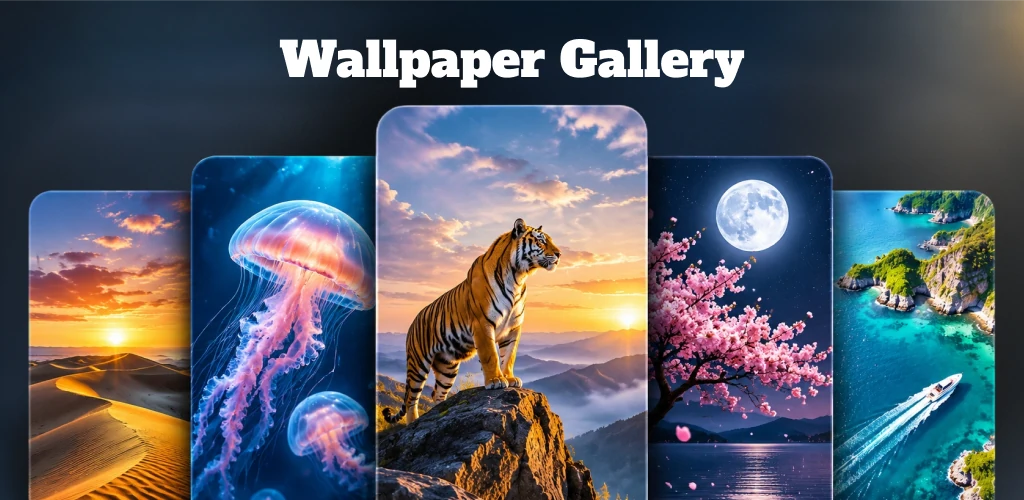

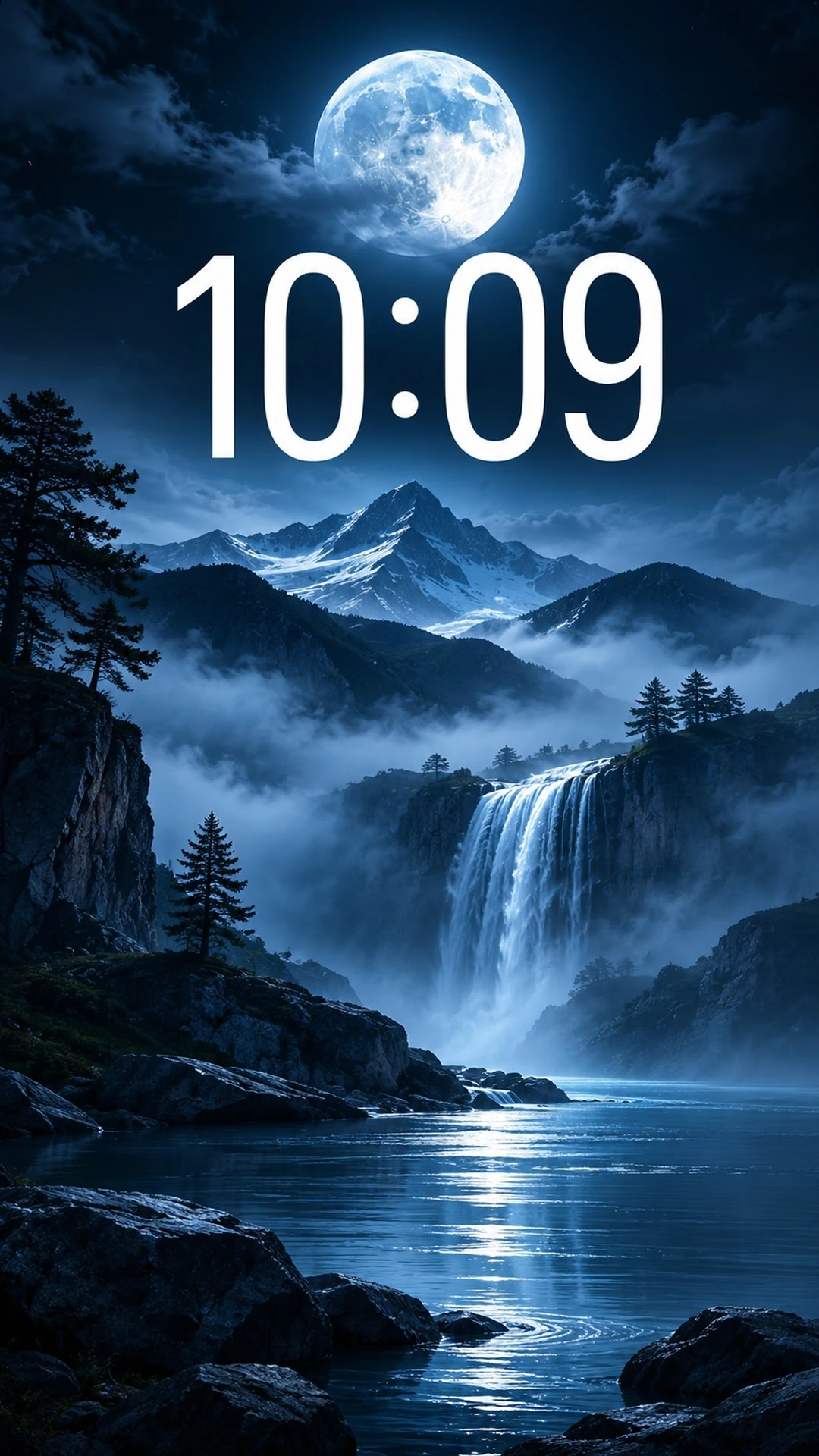
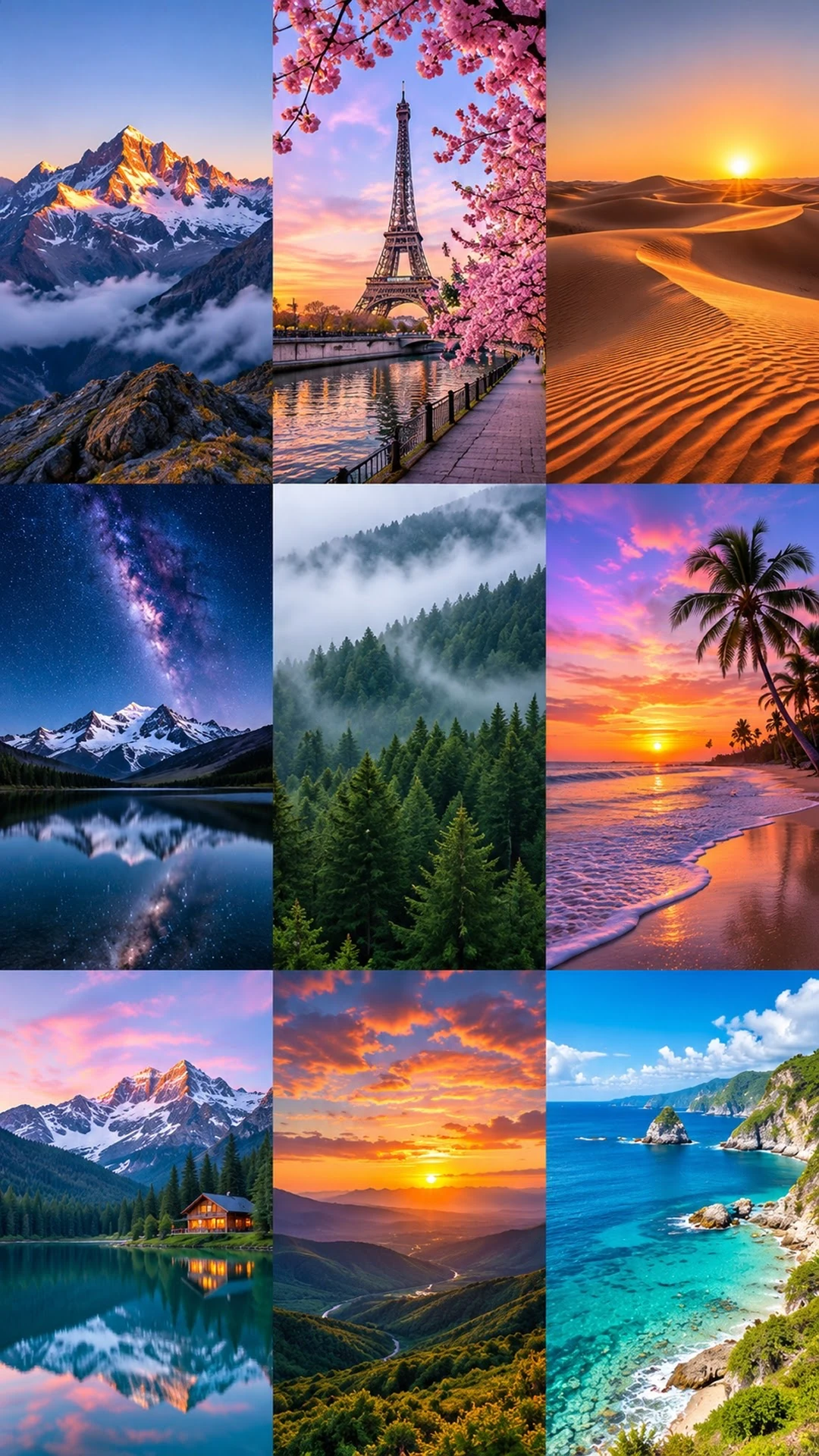
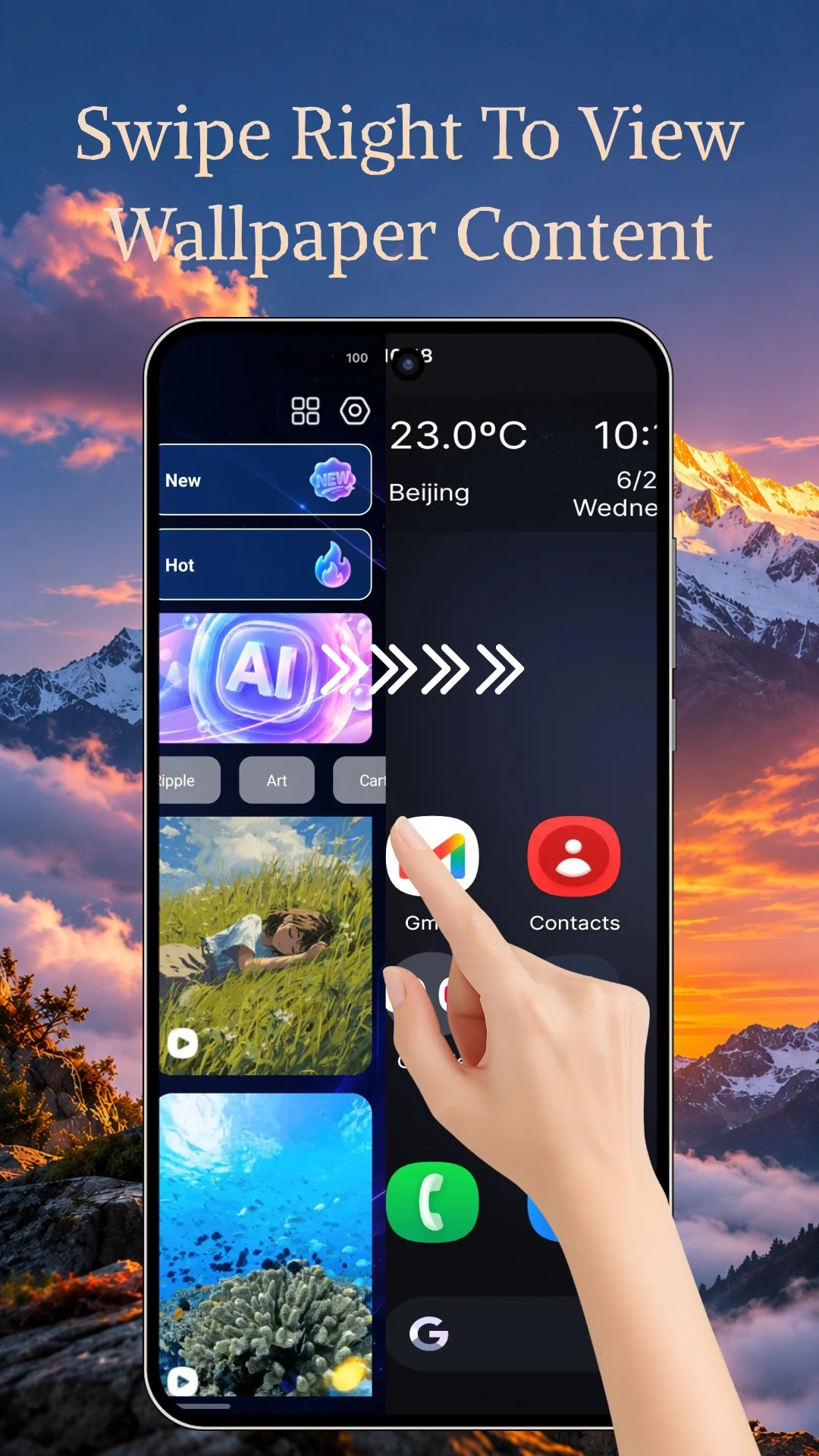
Go from browsing to a new phone background, all in one app.
Find a new look for your phone in one wallpaper collection.
Browse colorful patterns, quiet landscapes, and simple designs.
Download a wallpaper to your device and come back to it later.
Apply a selected image as your phone’s wallpaper from inside the app.
Describe your idea and generate a wallpaper from your words.
Choose Wallpaper Gallery as your Home app if you want to use its launcher.
Browse the collection or describe an idea with the AI wallpaper tool.
Pick a background you’d like to see on your phone.
Keep the wallpaper on your device for later or apply it from the app.
Wallpaper Gallery includes an optional Android launcher. Set it as your default Home app, then swipe right from the launcher to explore wallpapers.
To switch back, open Android Settings and select your previous launcher as the default Home app.
Only download and use images that you own or have permission to use.
See the Google Play listing for the content rating in your region and the developer’s data safety disclosures.
Available for Android on Google Play.